Note: Your server must have been started and at least one player joined for the config files to create
Step 1:
Log into your game panel and click 'stop' on your service, we suggest you save your server in game first. (This is very important)
Step 2:
Select File Manager from the icons

Step 3:
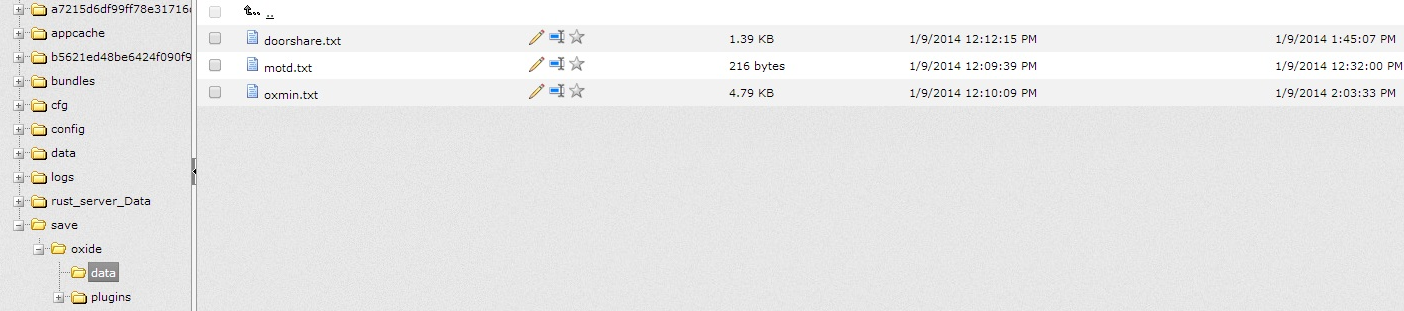
Once in File Manager navigate to /save/oxide/data
Step 4:
Once in this folder you should see the following, click on the little 'pencil' in order to edit the configs of the plugin