
Here is how you can install a Mod on the panel.
If you are installing a custom mod, you can follow the adding a custom jar file which is just an extra few steps of uploading your mods.
1) Log into the panel and go to your service.
2) Click Mod Manager
3) Install a mod of your choice by clicking "Install", for example, installing Tekkit Classic 3.1.2 (as of this publishing)
Note: Do you have a mod pack to request to us? Submit a ticket into Minecraft Support and we will look at adding it!
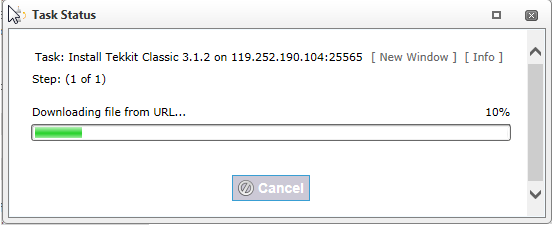
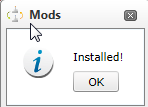
4) After clicking install, you will receive a message as follows:
This will notify you that it is installing.
5) OPTIONAL: Uninstalling the mod
To uninstall you can simply click "Uninstall" and that mod will uninstall the mods on your server.


